
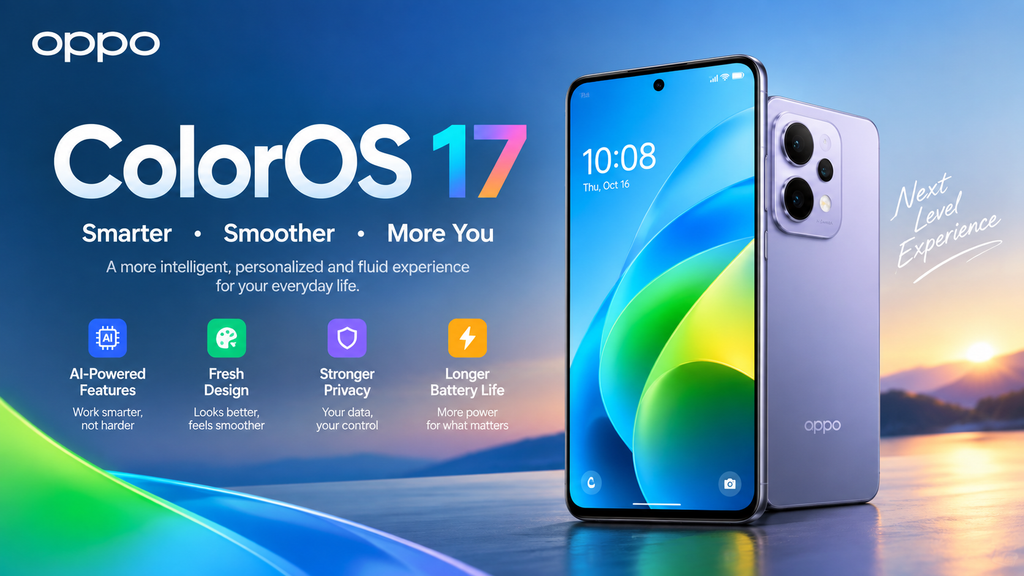
OPPO ended support for OxygenOS and realme UI, so ColorOS 17 becomes the single OS that OPPO, OnePlus, and realme phones share. Eligible OnePlus and Realme smartphones will receive the same OS framework across all supported regions. OPPO’s rollout targets approximately 90 devices, while an earlier report expected more than 130 models across the three brands. Treat the exact count as unsettled until OPPO publishes global lists. The direction is still clear: one codebase, three brands. ColorOS 17 Is Coming: Here’s What Changes +3
That direction cuts your testing bill. Take a hypothetical Series A team with a 40-case regression suite covering onboarding, payments, push notifications, and camera permissions. Three skins meant three passes, or 120 case runs per release. One skin means 40. At 30 minutes per case, you drop from 60 hours to 20 hours every release. Swap in your own numbers, because the ratio holds.
The saving depends on ColorOS 17 behaving the same across brands, and I found no public source that confirms identical behavior on OnePlus and realme hardware. Verify on real devices before you delete any test pass. A lean QA team should still watch ColorOS 17 closely, because the upside is a two-thirds cut to one line item.
ColorOS 17 Changes the Interface Your App Lives Inside
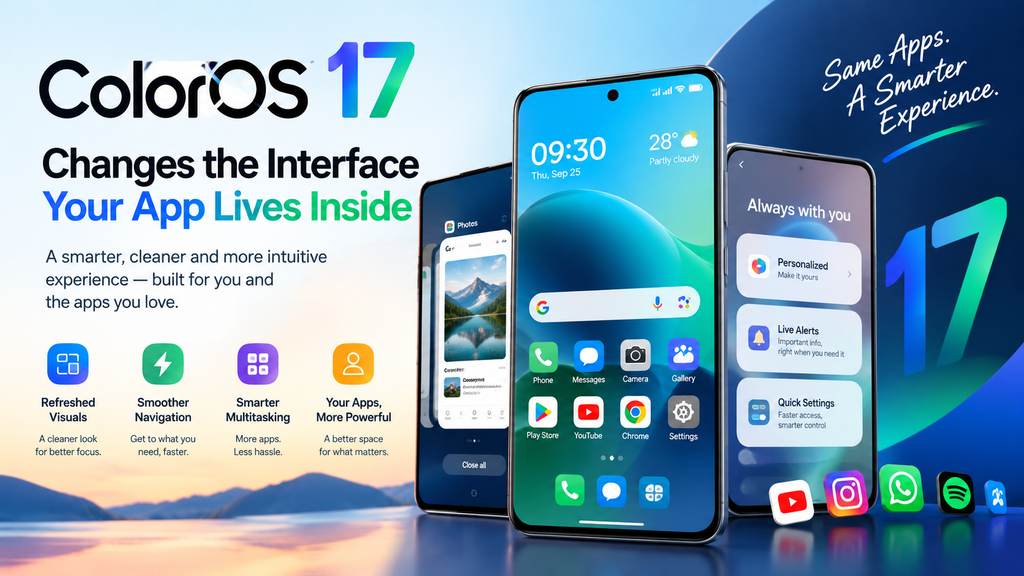
OPPO’s Android 17-based update adds floating navigation controls, blurred surfaces, more responsive animations, and Lockscreen Island. The floating island navigation runs across the system and most built-in apps. OPPO’s official pitch centers on Fluid Design, which promises consistent visuals, animations, and touch feedback across the system. The Aurora Engine integrates with the rendering architecture, and Fluid Animation manages transitions across interfaces. ColorOS 17 Is Coming: Here’s What Changes +3
Two practical consequences follow. First, floating navigation competes with your bottom-anchored UI. A sticky checkout bar or a primary button at the bottom edge may collide with a floating control. Screenshot every bottom-anchored screen on a ColorOS 17 beta build, and fix overlaps before the stable release reaches your users.
Second, users judge your app against the system’s animation baseline. If ColorOS 17 makes stock apps feel smoother, your stiff custom transition looks slower by comparison. Profile your heaviest screens, and cut animation that adds no information.
Treat vendor claims with skepticism. One outlet reports that ColorOS 17 promises up to six years of lag-free experience on eligible devices, but I found no independent benchmarks for that figure. Measure cold-start and scroll times on beta hardware, and let those numbers drive your decisions. techwiser
ColorOS 17 Ships Features That Overlap With Startup Roadmaps
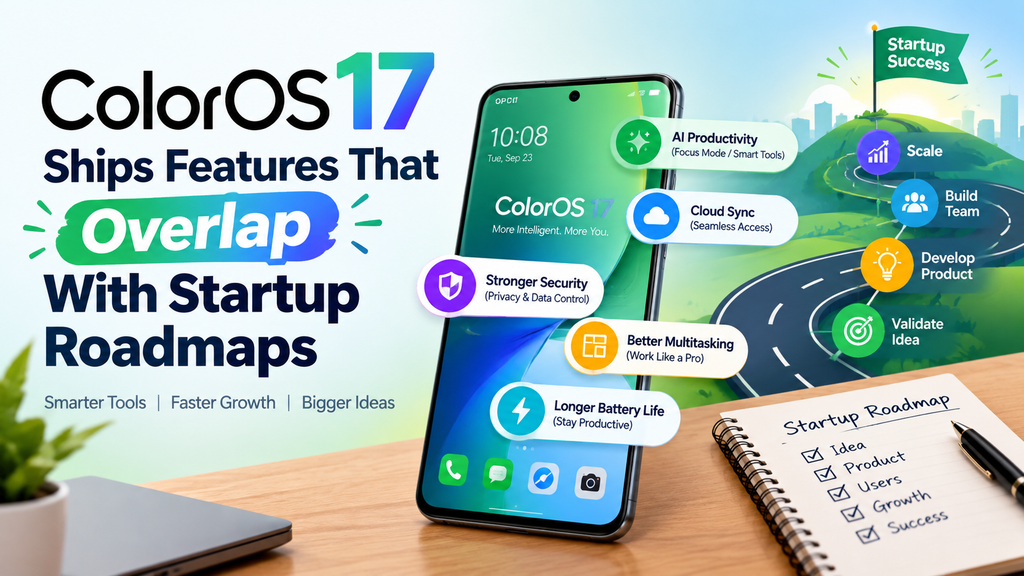
ColorOS 17 introduces an AI Photo Editor that removes unwanted objects, reduces motion blur, adjusts image colors and tones, and recommends editing commands and templates. It also adds Car+ connectivity to link an OPPO phone directly to a car, supports third-party cameras and NAS devices, and includes a FatMax fat-burning mode and customizable modular watch faces. gizmochinagizmochina
Consider the decision this creates. Suppose your team spent a quarter building an object-removal feature for a photo product. On supported devices, the OS now bundles a version of it at no cost to the user. You have three options: differentiate on quality or workflow, integrate with the system feature, or drop your build and redirect those engineers. Founders who spot the overlap early get to choose. Founders who spot it late inherit the choice.
The same logic applies to mobility and health products. Car+ touches connected-car use cases, and FatMax touches fitness. Map your roadmap against this feature list this month, and mark every item the OS now covers.
One limit matters here. I found no evidence that ColorOS 17 exposes these features to third-party apps, so do not plan integrations around them until OPPO publishes developer documentation. You can plan your competitive positioning around them today.
Your ColorOS 17 Timeline: Test Before Stable Lands
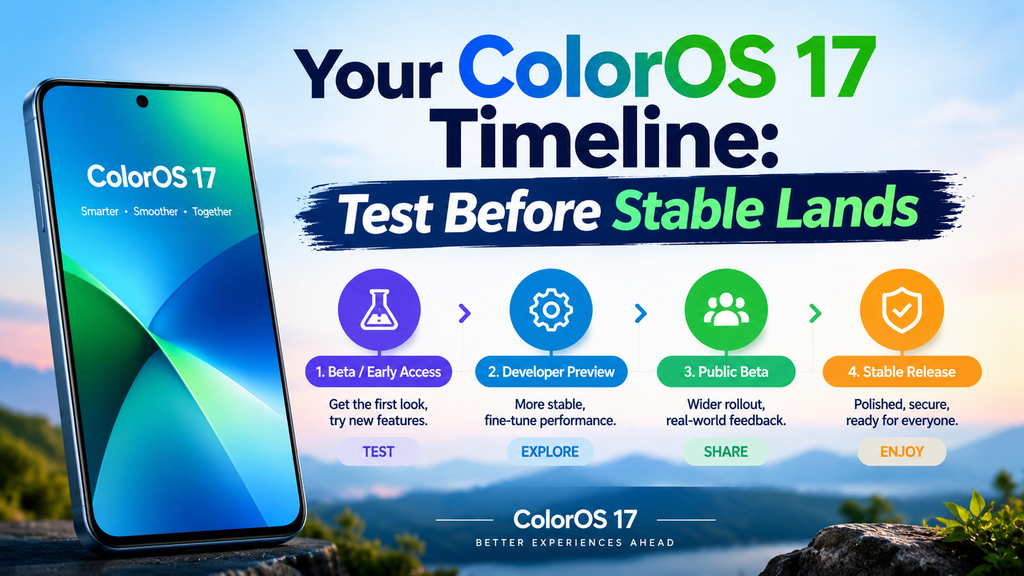
The rollout gives you a window with real dates. Closed beta testing started in early August on some recent devices, and OPPO unveiled ColorOS 17 at its developer conference in China with a rollout schedule for the Chinese market. OPPO expected to announce global and India-specific timelines later in the month, and international models historically receive updates a few weeks after the domestic rollout begins. Reports also tip the Find X10 series as the first phone to ship with ColorOS 17 out of the box. ColorOS 17 confirmed for September 17 debut alongside the Find X10 series – Gizmochina +3
Use that gap. A small team can run this 30-day plan:
- Week 1: Get one flagship from the official list, such as the OPPO Find X9 or OnePlus 15, and install a ColorOS 17 build wherever OPPO allows it. nokiamob
- Week 2: Run your full regression suite, and screenshot every bottom-anchored screen.
- Week 3: Log crashes, layout overlaps, and animation regressions with the device model and build number.
- Week 4: Decide which feature overlaps demand a roadmap change.
Measure ROI in hours, not opinions. Track hours spent per release before and after you consolidate test passes. I found no public data on ColorOS 17 adoption rates yet, so build your case on testing cost, not market share.
ColorOS 17 rewards founders who test early and punishes those who wait for the first bug report. The teams that put one device on the beta this week will know by month’s end what the marketing never told them.
written By sumitmarketing.com